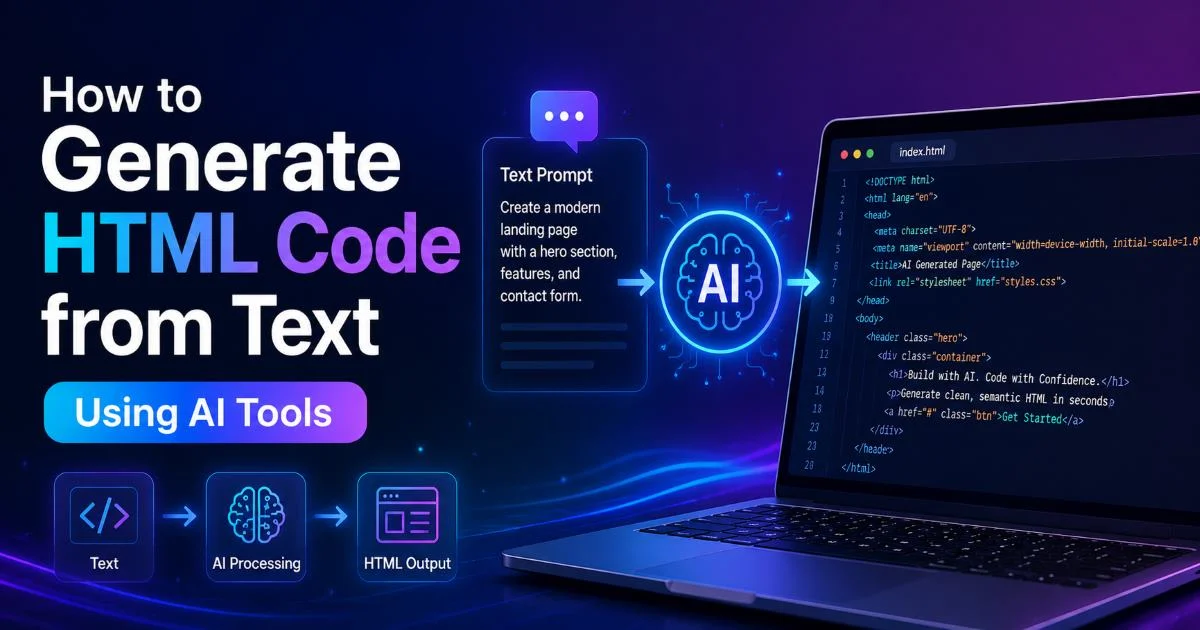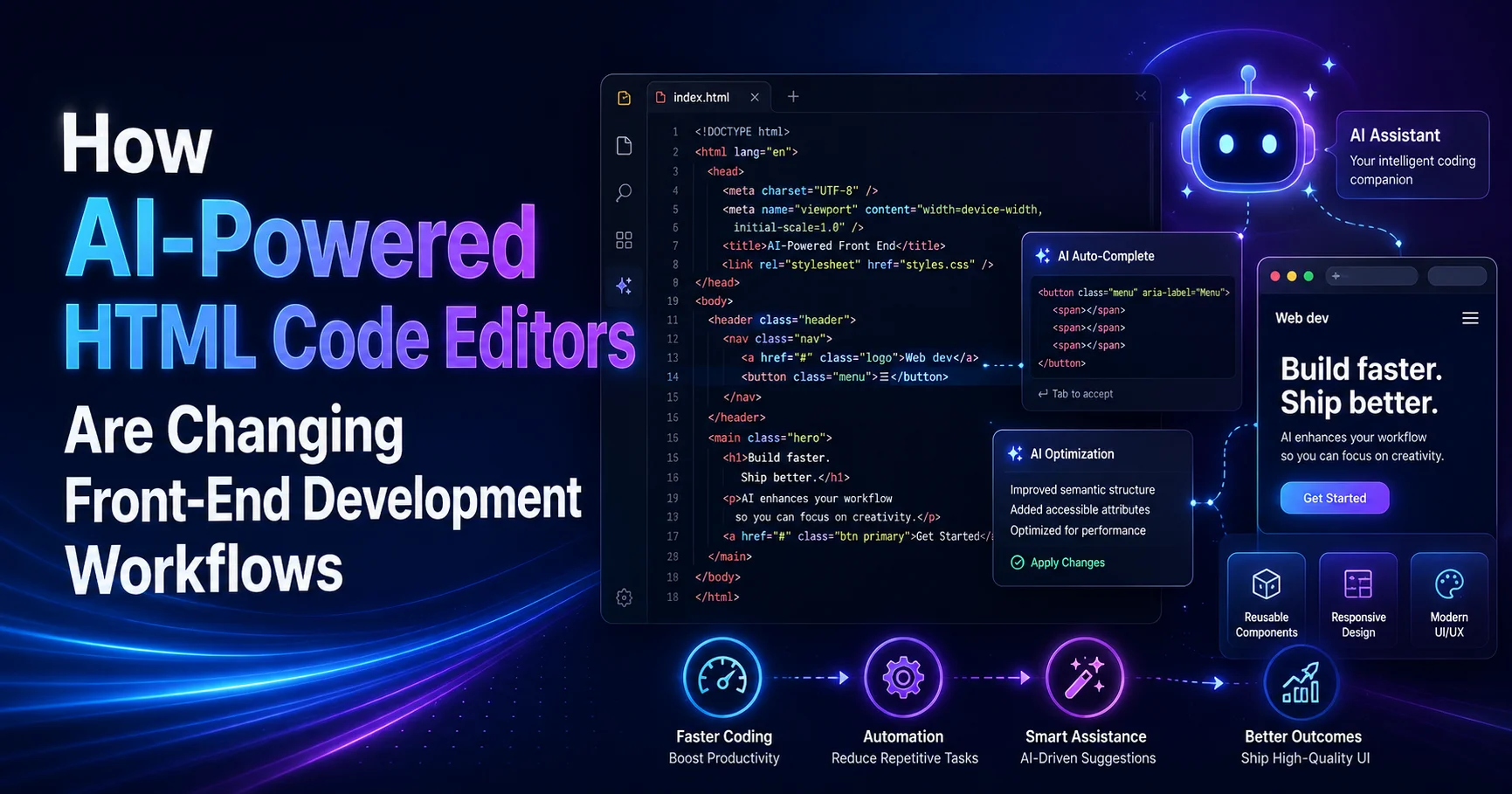
The ability to generate HTML code from text descriptions has fundamentally shifted how beginners approach front-end development. AI-powered HTML code editors now interpret natural language prompts and produce structured markup in seconds, replacing hours of manual coding with conversational workflows.
For anyone learning web development, this represents a dramatic reduction in the barrier to entry. Instead of memorizing dozens of tags and attributes before building anything meaningful, you can describe what you want and watch it materialize. This guide walks you through exactly how to integrate these tools into your workflow, step by step.
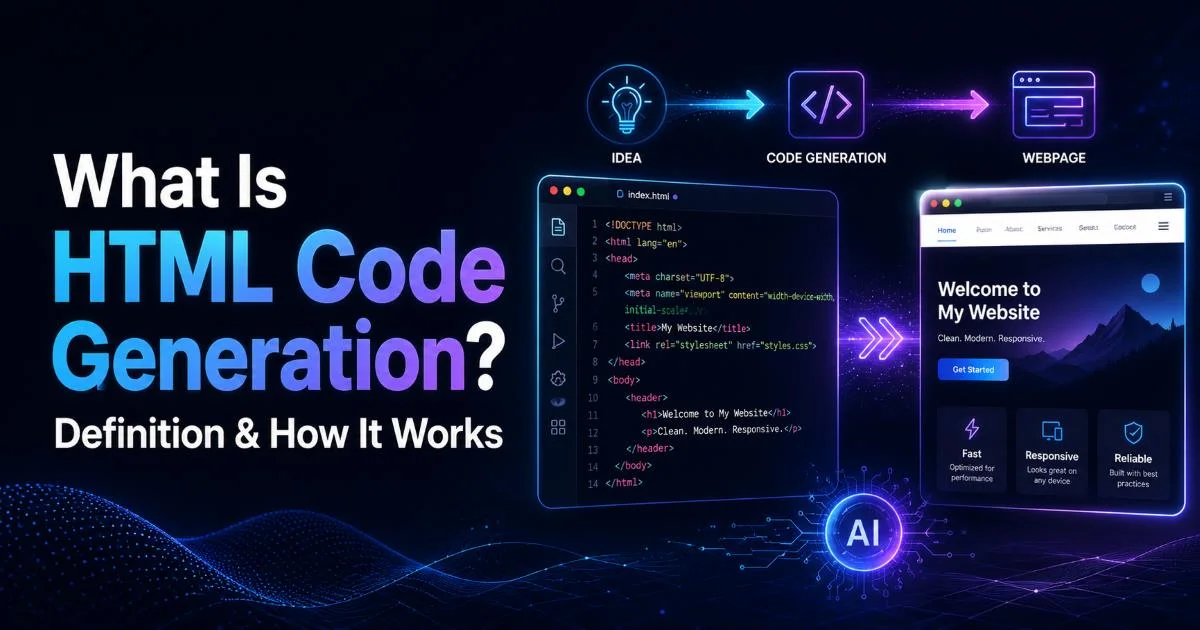
Understanding what HTML code generation is and how it works provides the foundation you need before adopting any of these editors. The shift isn't theoretical; it's happening right now, and the developers who adapt early will build faster.
Key Takeaways
- AI HTML generators turn plain English descriptions into functional, structured web page markup instantly.
- You still need basic HTML knowledge to review and refine AI-generated code effectively.
- Text to HTML tools work best when your prompts are specific and well-structured.
- Combining a web page builder with manual editing produces the highest quality results.
- AI editors accelerate prototyping but require human oversight for accessibility and semantics.
Step 1: Choose the Right AI HTML Code Editor
Not every AI-powered tool works the same way. Some function as full web page builders with drag-and-drop interfaces, while others operate as text to HTML converters that take your written descriptions and output raw code. The distinction matters because your choice affects how much control you retain over the final output. Beginners often benefit from starting with a tool that shows both the visual preview and the underlying markup simultaneously, so you learn while you build.
What to Look for in an Editor
Prioritize editors that offer real-time preview, syntax highlighting, and the ability to manually edit generated code. A tool that locks you out of the raw HTML teaches you nothing. The best AI HTML editors give you a conversational interface for generating code alongside a traditional code panel for fine-tuning. This dual approach means you get speed without sacrificing understanding of what each tag actually does in the browser.
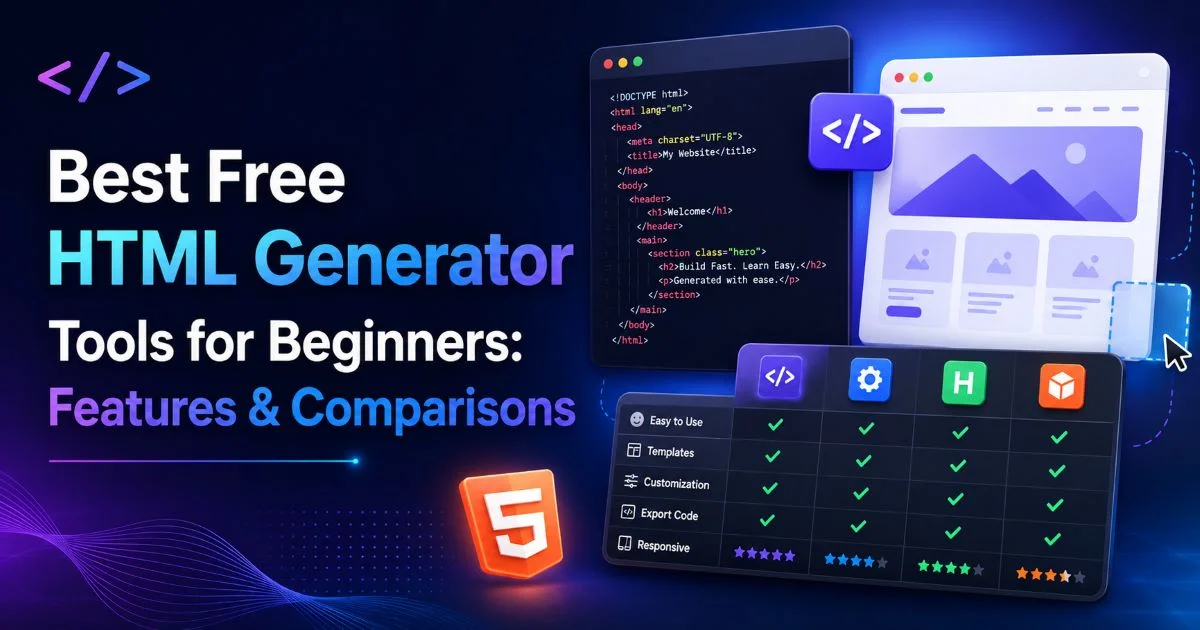
If you're unsure whether a dedicated HTML generator or a broader web page builder suits your needs, the comparison between web page builders and HTML code editors breaks down the tradeoffs clearly. The short version: generators are better for learning, while builders are better for shipping quickly. Most beginners should start with a generator to build foundational knowledge, then graduate to a builder for larger projects once they understand the underlying structure.
Test at least three different AI editors before committing — each handles prompts differently and produces varying code quality.
Step 2: Write Effective Text Prompts for HTML Generation
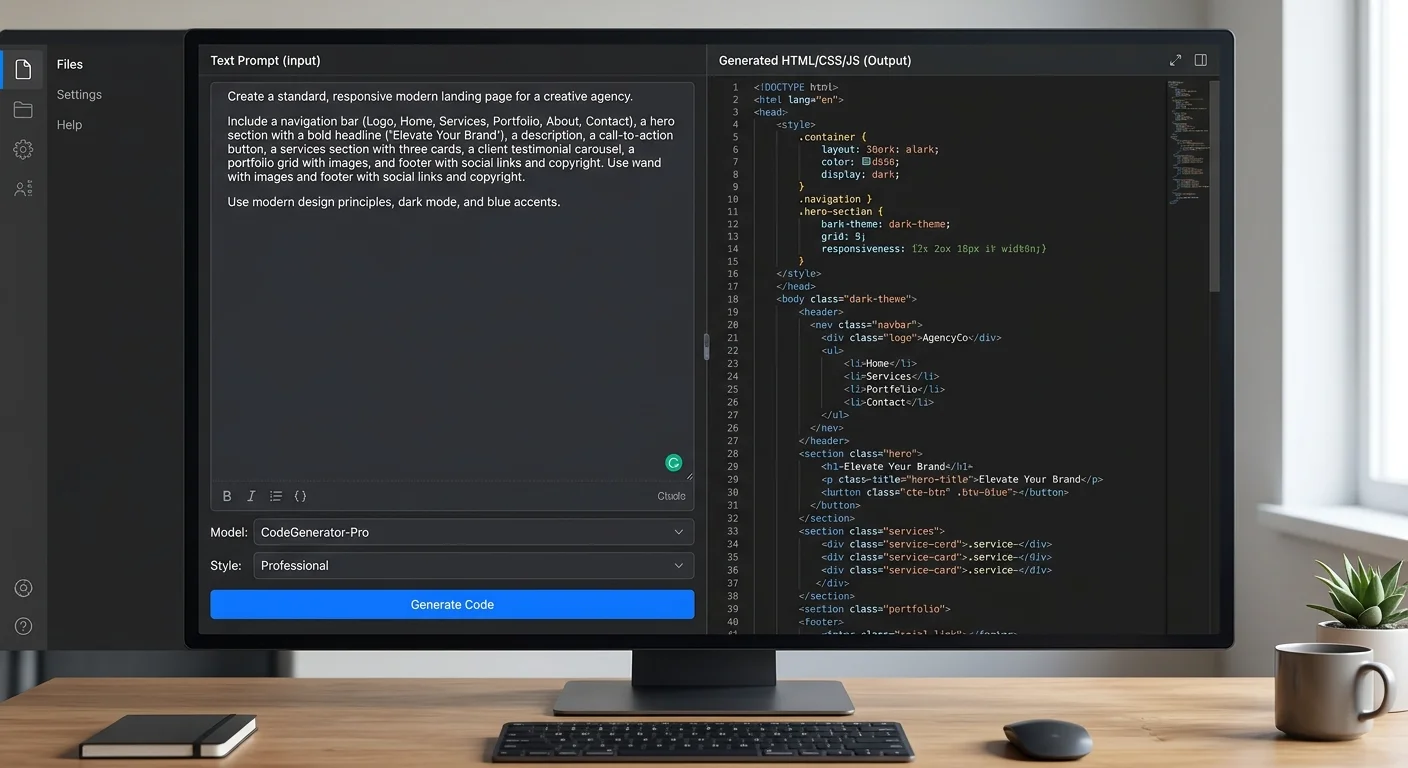
The quality of your AI-generated HTML depends almost entirely on the quality of your prompt. Vague instructions like "make me a website" produce generic, bloated code. Specific instructions like "create a responsive three-column pricing table with headers, monthly prices, and feature lists" produce targeted, usable markup. Think of your prompt as a creative brief. The more detail you provide upfront, the less cleanup you'll do afterward.
Prompt Structure That Works
A strong prompt includes three components: the element type, its content structure, and any styling preferences. For example, instead of "make a navigation bar," write "generate an HTML nav element with an unordered list containing five links: Home, About, Services, Portfolio, and Contact, with the Home link marked as active." This specificity tells the AI exactly what semantic elements to use and how to organize the content hierarchy within them.
For a deeper walkthrough on crafting prompts that produce clean output, the guide on how to generate HTML code from text using AI tools covers the complete process from initial prompt to final code. Pay particular attention to how specifying semantic elements like article, section, and aside in your prompt dramatically improves the structural quality of the output. The AI won't always choose the right semantic tag on its own, so directing it matters.
Iterate on your prompts rather than accepting the first output. If the generated HTML uses too many nested divs, refine your prompt to explicitly request semantic HTML5 elements. If the output lacks ARIA labels, add that requirement to your description. Each refinement teaches you both prompting and HTML simultaneously, which makes the process genuinely educational rather than just convenient.
AI tools trained on older codebases may default to div-heavy markup instead of modern semantic elements always specify your preferences.
Step 3: Review and Refine the Generated Code
Here's where many beginners make their biggest mistake: they accept AI-generated HTML without reading it. Every line of generated code should be reviewed for semantic correctness, accessibility, and unnecessary bloat. AI tools frequently add extra wrapper elements, use generic class names that conflict with existing stylesheets, or miss alt attributes on images. Treating generated code as a first draft rather than a finished product is the right mindset.
Common Issues to Watch For
| Issue | How AI Generates It | What You Should Fix |
|---|---|---|
| Missing alt text | Empty or placeholder alt attributes | Write descriptive, specific alt text for each image |
| Heading hierarchy | Skips from h1 to h3 or uses multiple h1 tags | Maintain sequential heading order throughout the page |
| Excessive nesting | Wraps elements in unnecessary div containers | Remove redundant wrappers, use semantic elements instead |
| Inline styles | Adds style attributes directly on elements | Move styles to an external stylesheet or style block |
| Generic class names | Uses names like "container1" or "box" | Rename classes to reflect content purpose (e.g., "pricing-card") |
Run the generated code through the W3C Markup Validation Service before deploying anything. This free tool catches structural errors, unclosed tags, and deprecated elements that AI editors sometimes produce. Validation takes thirty seconds and prevents hours of debugging later. It also reinforces your understanding of proper HTML structure, which pays dividends as your projects grow more complex over time.
Never deploy AI-generated HTML to production without validating it first; broken markup can cause rendering issues across different browsers.
The process of converting text descriptions into clean web pages involves understanding what "clean" actually means. If you want to go deeper on that topic, the article on text to HTML conversion and turning plain text into clean web pages explains the standards your output should meet. Clean HTML means proper nesting, correct semantic usage, and no unnecessary elements, qualities that AI tools approximate but rarely perfect on the first pass.
"AI-generated code is a first draft, never a final product the editing phase is where real learning happens."
Step 4: Integrate AI-Generated HTML into Your Development Workflow
Using an AI HTML code editor effectively means fitting it into a broader workflow rather than relying on it as your only tool. The most productive approach combines AI generation for rapid prototyping with manual coding for refinement and customization. Start each project by describing your page structure in plain text, generating the initial markup, then switch to a traditional editor for detailed adjustments. This hybrid method gives you speed without sacrificing code quality.
Building a Sustainable Hybrid Workflow
A practical daily workflow looks like this: sketch your layout on paper or in a wireframing tool, then translate that sketch into a text prompt for your HTML generator. Review the output, validate it, strip unnecessary elements, and add proper class names that align with your CSS methodology. Finally, integrate the cleaned markup into your project repository using version control. Each of these steps builds a different skill, from design thinking to code literacy to deployment practices.
Track your progress by comparing how long each project takes as you improve your prompting skills. Most beginners find that their first few AI-assisted pages take nearly as long as manual coding because of extensive revisions. By the tenth project, however, prompt accuracy improves significantly, and the review phase shrinks. The goal isn't to eliminate manual coding, it's to eliminate repetitive boilerplate so you can focus your energy on the unique parts of each project.
Consider version-controlling your prompts alongside your code. Storing your text descriptions in a markdown file within your project folder creates a reusable library of proven prompts. When you start a similar project later, you can reuse and adapt those prompts instead of starting from scratch. This practice turns your prompt history into a personal toolkit that grows more valuable with every project you complete, making each subsequent build faster and more consistent.
Keep a "prompt journal" and save your best-performing text descriptions alongside the HTML they generated for future reference.
Frequently Asked Questions
?How specific should my text prompts be when generating HTML code?
?Should beginners use a web page builder or an HTML generator first?
?How much time does AI HTML generation actually save compared to coding manually?
?Is it a problem that AI HTML editors sometimes output unnecessary wrapper divs?
Final Thoughts
AI-powered HTML code editors aren't replacing front-end developers; they're giving beginners a faster path to writing real code. The tools work best when you treat them as collaborative assistants rather than autopilots. Your knowledge of HTML fundamentals remains the quality filter that separates functional websites from broken ones. Start with specific prompts, review every line of generated markup, and build your skills through the editing process itself. The developers who thrive will be those who master both the prompting and the understanding.
Disclaimer: Portions of this content may have been generated using AI tools to enhance clarity and brevity. While reviewed by a human, independent verification is encouraged.