
To generate HTML code from text means to describe what you want a web page to look like in plain language and receive valid, structured HTML in return. This approach removes the barrier of memorizing tags, attributes, and nesting rules you simply tell a tool what you need, and it writes the code for you.
For beginner web developers, this represents a faster path from idea to working prototype. Whether you need a hero section, a pricing table, or an entire landing page, the ability to generate HTML code from text instructions is now a practical, accessible reality.
Key Takeaways
- You can create web page layouts by describing them in plain English.
- Text-to-HTML tools produce clean, standards-compliant code you can edit freely.
- This workflow accelerates prototyping without replacing the need to learn HTML basics.
- AI-powered HTML editors can handle sections, grids, forms, and full page structures.
- Understanding the output remains important for debugging and customization.
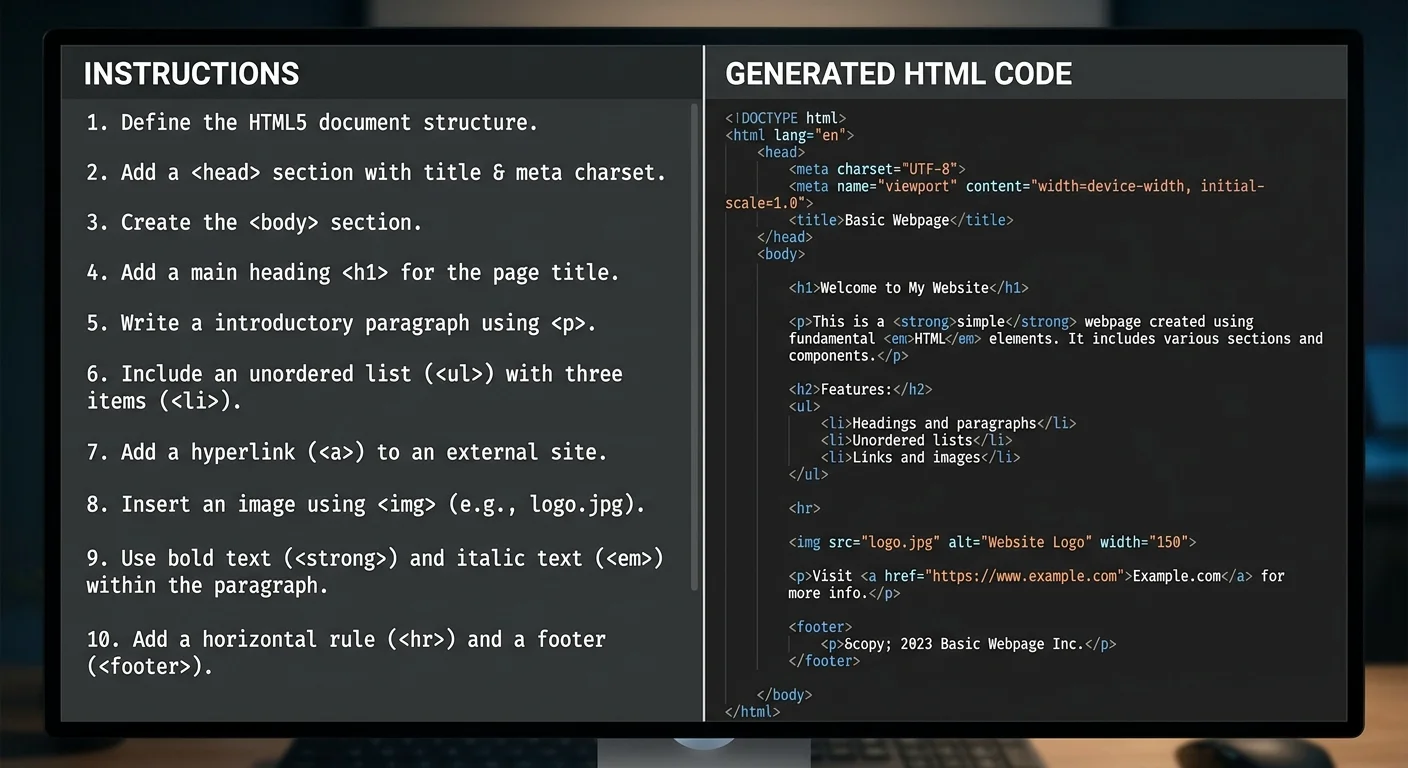
How It Works: From Plain Text to Structured HTML
The process is straightforward. You provide a natural-language description of what you want a navigation bar, a three-column layout, a contact form and the tool parses your intent, then outputs the corresponding HTML markup.
The Input-Output Cycle
A typical interaction starts with something like: "Create a two-column layout with a sidebar on the left and main content on the right." The tool interprets this and produces semantic HTML using elements like <aside>, <main>, and <div> with appropriate class names.
An AI HTML editor takes this further by letting you refine the output through follow-up instructions. You might say "add a footer with three columns" and the tool appends the correct code to your existing structure.
Start with simple, specific descriptions. "A header with a logo on the left and three nav links on the right" works better than "make me a nice header."
What Counts as Text Instructions
Text instructions range from casual ("give me a pricing section with three cards") to detailed ("create a responsive grid with four equal columns, each containing an icon placeholder, a heading, and a paragraph"). The more specific you are, the closer the output matches your vision.
You don't need to use technical jargon, but mentioning structural concepts like "grid," "section," or "form" helps the tool produce more accurate results. Think of it as giving directions to a skilled coder who hasn't seen your design mockup.
Why It Matters for Beginner Developers
Learning HTML from scratch involves absorbing a lot of syntax before you can build anything meaningful. The ability to generate HTML code from text gives beginners a head start they can see real results immediately, then study the underlying code to understand why it works.
Speed and Accessibility
Traditional HTML development requires you to write every tag by hand, which is educational but slow. An HTML layout generator compresses this process so you can focus on structure and design decisions rather than syntax memorization.
This matters especially for non-technical founders, designers learning to code, and students working on class projects. If you're curious about HTML fundamentals alongside this approach, Hostinger's HTML tutorial provides an excellent foundation.
Learning by Reading Output
One underappreciated benefit: generated code serves as a teaching tool. When you ask for a navigation bar and receive a <nav> element containing an unordered list, you learn the semantic conventions that experienced developers follow.
Reading well-structured output accelerates your understanding of nesting, parent-child relationships, and proper element usage. It's like having a tutor who writes example code for every concept you're trying to grasp.
"The fastest way to learn HTML structure is to describe what you want, read the output, and ask yourself why each tag exists."
Real Examples and Use Cases
Let's look at practical scenarios where you'd want to create a web page from text instructions. These aren't theoretical — they reflect what beginners actually build during their first weeks of web development.
Building Layouts from Descriptions
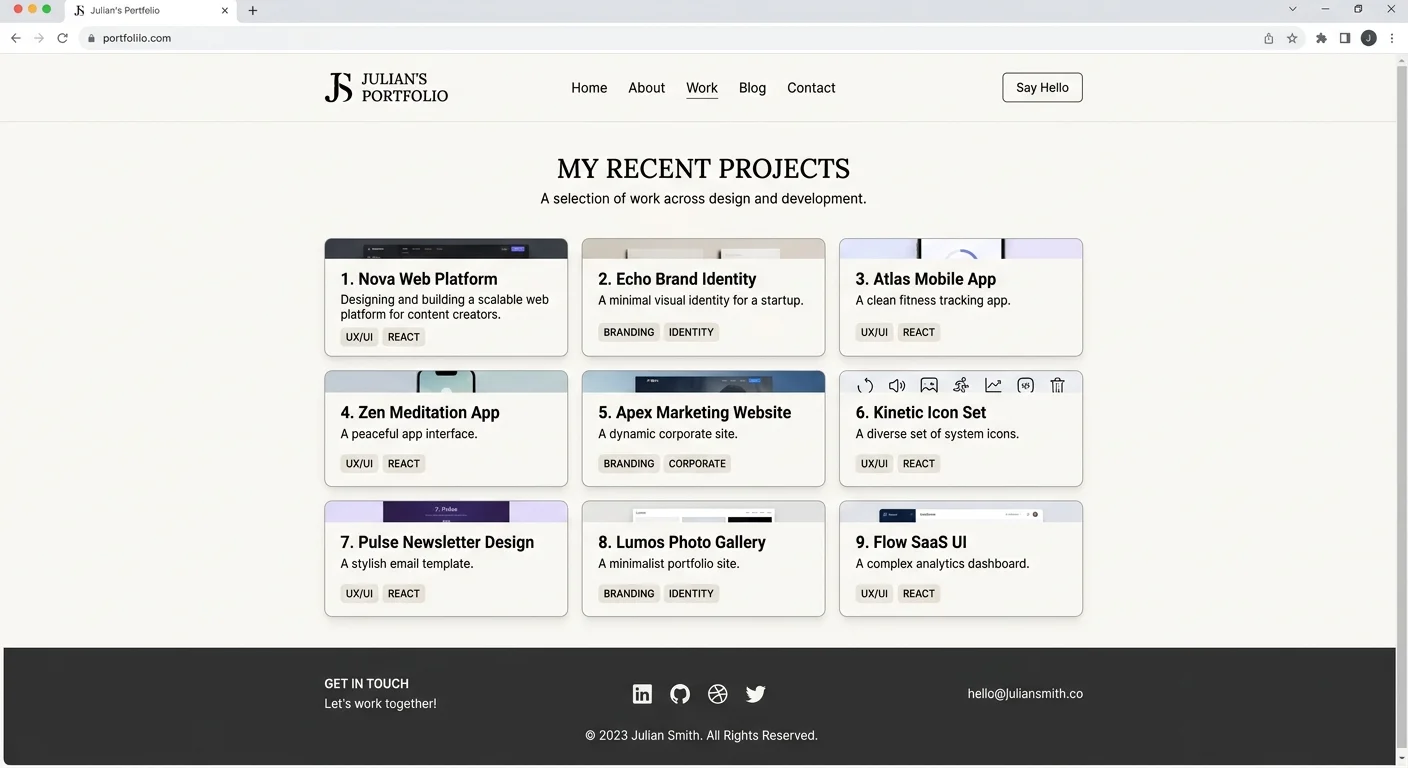
Say you're building a portfolio site. You describe: "A page with a header containing my name, a grid of project cards with images and titles, and a footer with social links." An HTML section builder translates each part into clean, nested HTML with appropriate semantic elements.
For exploring dedicated tools that handle this process visually, VisionVix's roundup of HTML website builders compares several popular options worth considering alongside text-based generation.
| Text Instruction | Primary HTML Elements Generated | Typical Use Case |
|---|---|---|
| "Navigation bar with logo and links" | <nav>, <ul>, <li>, <a>, <img> | Site header |
| "Hero section with headline and button" | <section>, <h1>, <p>, <a> or <button> | Landing page top |
| "Three-column feature cards" | <div> (grid), <article>, <h3>, <p> | Product features |
| "Contact form with validation" | <form>, <input>, <label>, <textarea> | Contact page |
| "Footer with three columns and copyright" | <footer>, <div>, <ul>, <p> | Site footer |
Editing and Iterating on Generated Code
Generation is only half the workflow. The real power comes from editing. You might generate a basic form, then instruct the tool: "Add a dropdown for country selection and make the email field required." Each iteration refines the code without starting over.
This iterative process mimics how professional developers actually work — building incrementally, testing, and adjusting. The difference is that you're using natural language instead of manually typing every attribute and closing tag.
After generating your initial layout, review the code section by section. Ask for modifications to individual parts rather than regenerating the entire page.
Common Misconceptions and Related Concepts
When people first hear about tools that generate HTML code from text, they sometimes make assumptions that need correcting. Let's address the most frequent ones and clarify how this fits into the broader ecosystem.
Myths About Text-to-HTML Generation
"It replaces learning HTML" is the biggest myth. Generated code still needs human review. You'll encounter situations where the output isn't quite right — maybe a <div> should be a <section>, or an accessibility attribute is missing. Knowing HTML basics helps you catch and fix these issues.
"The code will be messy and unusable" is another common concern. Modern tools, especially purpose-built, prioritize clean, indented, semantic output. The code you get is typically production-ready or close to it.
Never deploy generated HTML without reviewing it first. Check for missing alt attributes on images, proper heading hierarchy, and correct form labels for accessibility.
Converting text to HTML differs from Markdown-to-HTML conversion. Markdown uses specific syntax conventions, while text-to-HTML generation interprets freeform natural language.
Related Tools and Concepts
The ability to convert text to HTML sits within a larger family of tools. Visual drag-and-drop builders, CSS frameworks like Bootstrap, and template systems all aim to speed up development. Text-based generation is unique because it requires zero knowledge of any interface just words.
Where a visual builder gives you a canvas, and a CSS framework gives you pre-built components, an HTML layout generator powered by AI gives you a conversational partner. Each approach has strengths, and many developers combine them. Starting with text-generated HTML, then refining it in a visual editor, is a particularly effective workflow for beginners.
Final Thoughts
The ability to generate HTML code from text instructions has made web development more approachable than at any point in the web's history. It doesn't replace understanding it accelerates it, giving you working code to study, modify, and build upon.
Start with a simple description, examine what comes back, and iterate. That loop of describe, review, and refine will teach you more about HTML structure in a week than passively reading documentation for a month.
Disclaimer: Portions of this content may have been generated using AI tools to enhance clarity and brevity. While reviewed by a human, independent verification is encouraged.