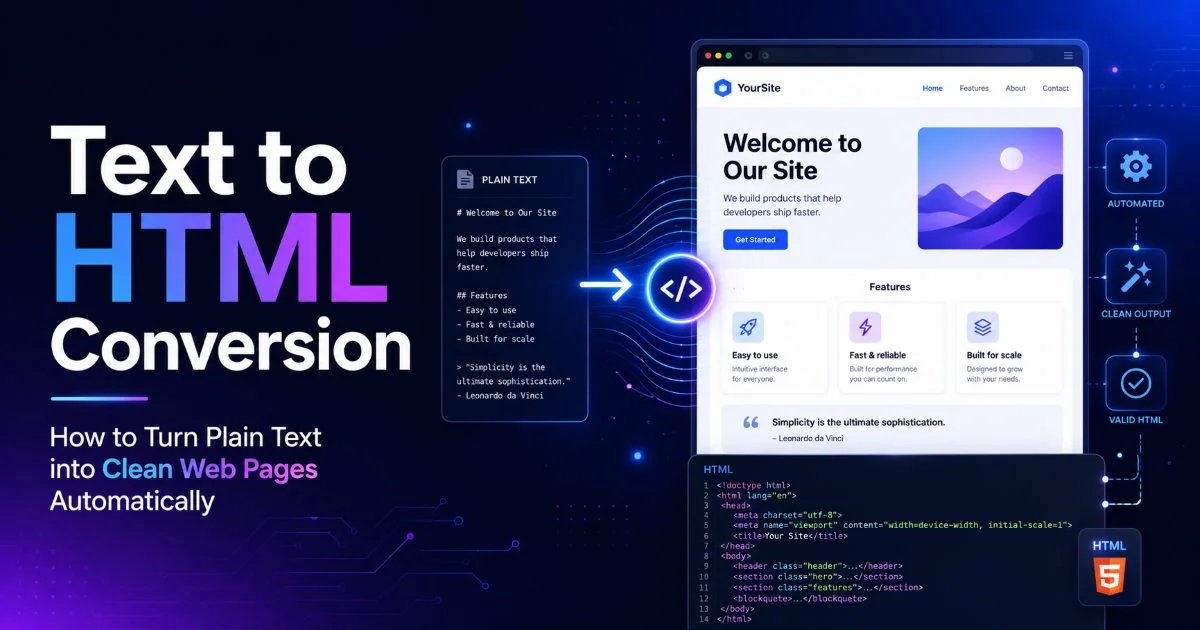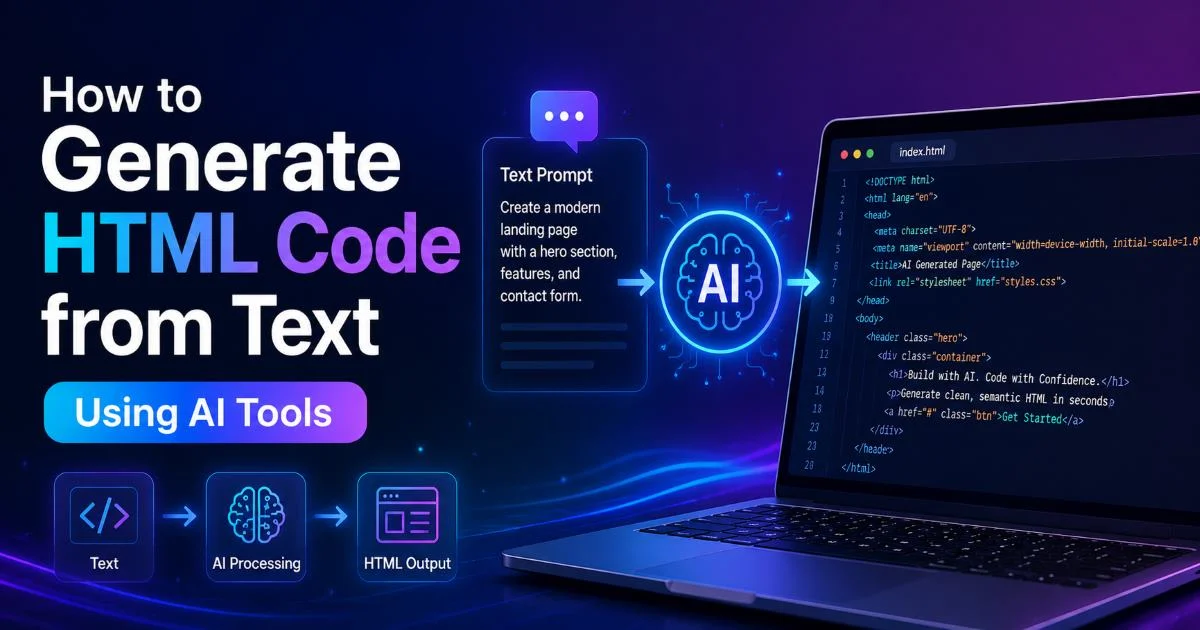
The ability to generate HTML code from text has fundamentally changed how beginners approach web development. Instead of memorizing every tag, attribute, and nesting rule, you can now describe what you want in plain English and watch an AI-powered HTML generator produce working markup in seconds.
This matters because the traditional learning curve for HTML kept many creative people from building their first web pages. A text to HTML workflow removes that friction. Whether you need a landing page, a portfolio section, or a simple contact form, AI tools can translate your written instructions into structured code. Understanding how this process works and where its limits are will make you a more effective web page builder from day one.
This guide walks you through the entire process, step by step, so you can start producing real pages today.
Key Takeaways
- AI tools can generate valid HTML from plain-language descriptions in under a minute.
- Always review and edit generated code before publishing it to a live site.
- Specific, detailed prompts produce significantly better results than vague instructions.
- Pairing an AI HTML generator with a code editor accelerates your learning process.
- Accessibility and semantic structure still require human judgment after generation.
Step 1: Choose the Right AI HTML Generator
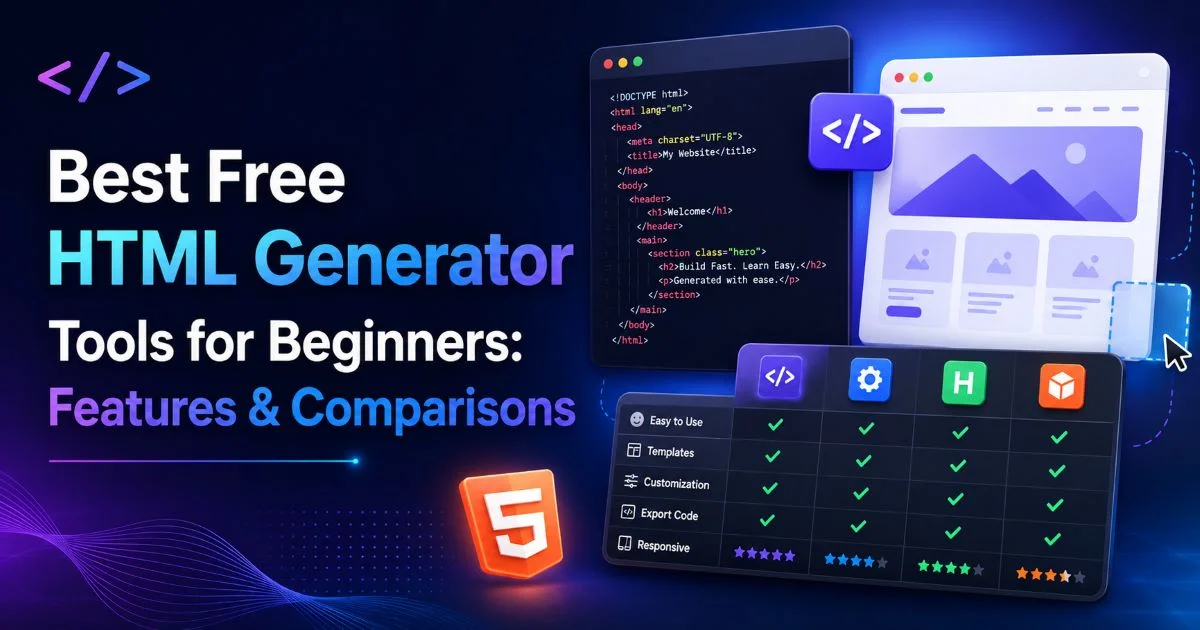
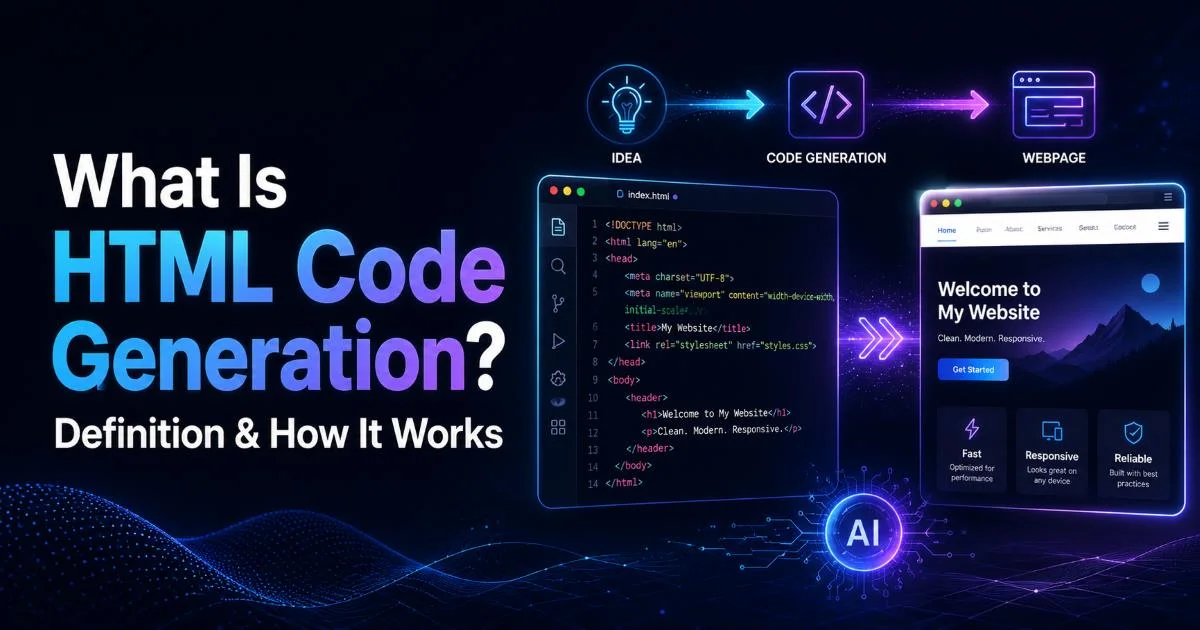
Your first decision is picking the right tool for your skill level and project scope. Not all AI HTML generators work the same way some produce bare-bones markup, while others output complete pages with styling included. The landscape includes standalone web apps, browser extensions, IDE plugins, and full-featured platforms like HTML code generation tools that turn natural language into structured markup. Each category serves a different workflow, so matching the tool to your needs saves time and frustration.
Free-tier options work well for learning and small projects. Tools like ChatGPT, Claude, and dedicated HTML code editors with AI features can all produce decent output for single-page sites. However, paid platforms often include live preview, version history, and component libraries that speed up production work. If you're building anything beyond a practice page, the investment often pays for itself within a few projects.
What to Look For in a Tool
Look for three things: output quality, iteration speed, and preview capability. Output quality means the tool generates semantic, well-structured HTML rather than a soup of divs. Iteration speed refers to how quickly you can modify your prompt and see updated results. Preview capability lets you view the rendered page without switching to a browser. A tool that nails all three will feel natural to work with, even if you're brand new to web development.
By the end of this step, you should have selected one or two tools and created accounts. Bookmark them, open them in your browser, and run a quick test prompt like "Create a paragraph with a heading" to confirm everything works.
Start with a free tool to learn the workflow, then upgrade to a paid platform once you understand what features you actually need.
Step 2: Write Effective Prompts for Text to HTML Conversion
The quality of your output depends almost entirely on the quality of your input. When you generate HTML code from text, the text you provide acts as a blueprint. Vague instructions like "make me a website" produce generic, unusable results. Specific instructions like "create a three-column pricing table with headers for Basic, Pro, and Enterprise plans" produce something you can actually use. Think of prompt writing as a skill that improves with practice. Your first attempts will be rough, but your tenth will be sharp.
A strong prompt includes four elements: structure, content, context, and constraints. Structure tells the AI what HTML elements you need: a nav bar, a hero section, and a footer. Content provides the actual text, headings, and link labels. Context explains the purpose, such as "this is for a freelance photographer's portfolio." Constraints set boundaries: "use only semantic HTML5 elements" or "don't include any inline CSS." Including all four elements consistently produces better results than leaving any of them out.
"The difference between a mediocre AI output and an excellent one is almost always the specificity of the prompt, not the capability of the tool."
Common Prompt Mistakes to Avoid
The most frequent mistake beginners make is being too abstract. Saying "make it look good" gives the AI nothing actionable to work with. Another common error is requesting everything in a single prompt, an entire multi-page site with navigation, animations, and responsive design. Break complex projects into individual sections and generate them one at a time. You'll get cleaner code and maintain better control over each piece of the puzzle.
Read also How To Conduct an AI Risk Assessment Under EU Law
A third mistake is ignoring iteration. Your first generated result is a draft, not a final product. Read the output, identify what's wrong or missing, and refine your prompt accordingly. Many beginners accept the first output and move on, then wonder why their page looks incomplete. Two or three rounds of refinement typically yield professional-quality markup that would take much longer to write by hand.
Never paste sensitive data like API keys, passwords, or personal client information into AI prompt fields — these tools may log inputs for training.
By the end of this step, you should have a written prompt template you can reuse. You should also have generated at least two or three HTML snippets and noticed how changing your prompt specificity affects the output quality.
Step 3: Review and Refine the Generated HTML Code
Generated code is not finished code. Even the best AI HTML code editor tools occasionally produce markup with missing closing tags, deprecated attributes, or accessibility gaps. Your job at this stage is to validate and improve what the machine produced. Open the generated HTML in a proper code editor like VS Code, Sublime Text, or even a browser-based editor. Read through it line by line, comparing the output against what you actually requested in your prompt.
What to Check First
Start with structural validation. Run the code through the W3C Markup Validation Service to catch syntax errors. Then, check the semantic correctness of the headings in the right order? Is there a single main element? Are images using alt attributes? These details matter for accessibility and SEO, and AI tools often get them partially right but not perfectly so. A quick manual review catches issues that automated validators might miss.
Next, look at the content accuracy. AI tools sometimes hallucinate placeholder text or invent content that wasn't in your prompt. Verify every heading, paragraph, and link. Check that URLs point where they should and that no dummy href="#" links survived. If you asked for a contact form, confirm the form fields have proper name and type attributes. These small details determine whether your page actually functions or just looks functional.
For cleaning generated HTML before use, an HTML stripper helps remove unwanted tags and keeps output structured.
By the end of this step, you should have validated HTML that passes W3C validation with zero errors. Your code should contain no placeholder content, and every element should serve a clear purpose in your page structure.
Even experienced developers miss errors in their own code. Using a linter extension in your editor catches problems automatically as you review.
Step 4: Integrate the Code Into Your Project
With clean, validated HTML in hand, it's time to put it to work. If you're building a static site, drop the code into your project's file structure. For dynamic projects using frameworks like React or Next.js, you'll need to adapt the HTML into component syntax, but the structure the AI provided still serves as a reliable starting point. The integration step is where your web page builder workflow connects to real-world deployment, and it's where many beginners stall because they haven't set up a local development environment.
Set up a basic project folder with an index.html file, a styles.css file, and an images directory. Paste your reviewed HTML into the index file, link the stylesheet in the head element, and open it in a browser. You should see a raw but structurally complete page. From here, add CSS to control layout, typography, and color. The AI-generated HTML gives you the skeleton; styling gives it personality. This separation of concerns is a fundamental web development practice worth learning early.
Testing Across Browsers
Before calling your page done, test it in at least three browsers: Chrome, Firefox, and Safari. Each renders HTML slightly differently, and edge cases appear where you least expect them. Resize your browser window to test responsiveness. If the AI didn't include responsive meta tags or media queries, your page may break on mobile devices. Add a viewport meta tag if one is missing, and consider using a basic CSS framework to handle responsive behavior until you're comfortable writing media queries yourself.
Finally, deploy your page so it exists on the actual web. Free hosting services like GitHub Pages, Netlify, and Vercel make this trivially easy for static sites. Push your project folder to a Git repository, connect it to a hosting service, and within minutes, you'll have a live URL. Sharing that URL with friends, potential employers, or just yourself on your phone transforms the exercise from academic to real. You built something that exists on the internet, and you used a text-to-HTML generation workflow to get there faster than traditional hand-coding alone would allow.
Create a GitHub repository for every project, even practice ones. It builds your portfolio and teaches version control simultaneously.
By the end of this step, you should have a live, publicly accessible web page that renders correctly across multiple browsers and devices. Your project folder should be organized, your code should be clean, and you should feel confident repeating this process for future projects.

Frequently Asked Questions
?How specific should my prompt be when using a text to HTML generator?
?Is ChatGPT or a dedicated HTML code editor better for building web pages?
?Do free AI HTML generator tools produce code good enough to publish live?
?What's the biggest mistake people make after generating HTML code with AI?
Final Thoughts
Learning to generate HTML code from text using AI tools doesn't replace understanding HTML, it accelerates it. Each time you review generated markup, you absorb patterns, tag relationships, and structural conventions faster than textbook study alone.
The four-step workflow outlined here is to choose a tool, write specific prompts, review the output carefully, and integrate into a real project, giving you a repeatable system for building web pages efficiently. Treat AI as a collaborator that drafts quickly while you provide the judgment, quality control, and creative direction that machines still can't replicate.
Disclaimer: Portions of this content may have been generated using AI tools to enhance clarity and brevity. While reviewed by a human, independent verification is encouraged.